
Tricefy (Trice Imaging) vs Bomee Air: DICOM Ultrasound Sharing
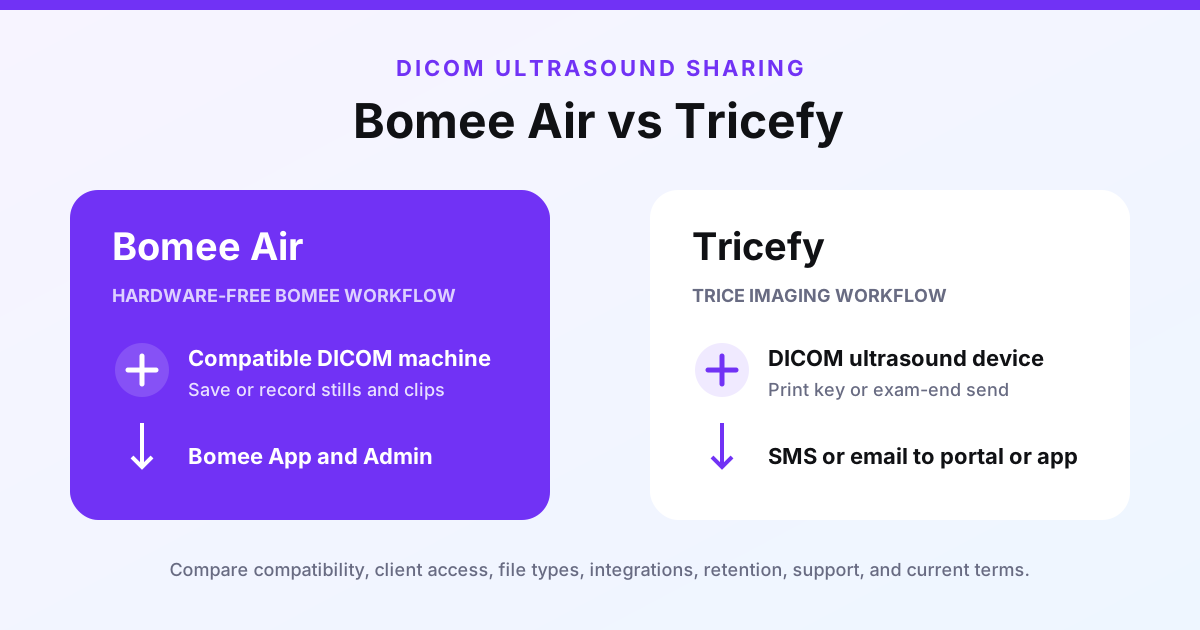
TL;DR — Tricefy and Bomee Air both publish DICOM-device-to-patient sharing workflows. Compare how files leave a compatible ultrasound machine, what reaches the client, where the client signs in, and which broader clinical or studio functions are included. This is not a winner declaration.
Facts and product details checked September 8, 2026 against official public pages. Features, prices, and availability may change. Bomee is not affiliated with Trice Imaging; trademarks belong to their respective owners.
Why people search for Tricefy
Tricefy is Trice Imaging's platform name and still appears in current official material for its patient-engagement workflow. Use the current Trice Imaging pages and contract when evaluating the service rather than assuming every older feature or term still applies.
Public DICOM sharing workflows
Trice Imaging says its patient-sharing workflow works with DICOM ultrasound devices. Images can be sent using the machine's print key or at exam end, and the patient receives an SMS or email link to access files through the Trice portal or app. Its public material also describes clinic-branded sharing of medical images, video, and reports.
Bomee Air is hardware-free software for compatible network-connected ultrasound machines with DICOM export. Bomee confirms compatibility by make and model. The machine's existing save and record buttons send stills and machine-recorded clips to the Bomee Admin Portal and the client's Bomee App; clip length follows the machine settings.
Bomee Core is a different Bomee product: it uses capture hardware for full-session video. It is not the like-for-like product for this DICOM sharing comparison.
Who should shortlist each workflow?
Shortlist Trice Imaging when its broader clinical patient-engagement scope, portal or app access, reports, and related integrations match your requirements. Shortlist Bomee Air when a studio-oriented, hardware-free DICOM handoff to the Bomee App matches a compatible machine and desired client journey.
Before choosing either, request a current demonstration with your make and model and written answers on inputs, file types, client access, retention and deletion, contracts, integrations, privacy and security evidence, onboarding, support, and price. Use the ultrasound image-sharing software buyer's guide for the full checklist.