
Bomee Air — New
Every scan to mom’s phone.
Zero hardware.
Bomee Air runs off the ultrasound machine you already have. Your sonographer keeps pressing the same save and record buttons — and every image and clip lands in mom’s Bomee App, automatically.
- 100% software — nothing to ship, install, or return
- Encrypted transmission on HIPAA-compliant infrastructure
- FREE access to our paid Bomee Premium App for every mom
US$79/month, unlimited sessions. Start with a 3-day free trial.
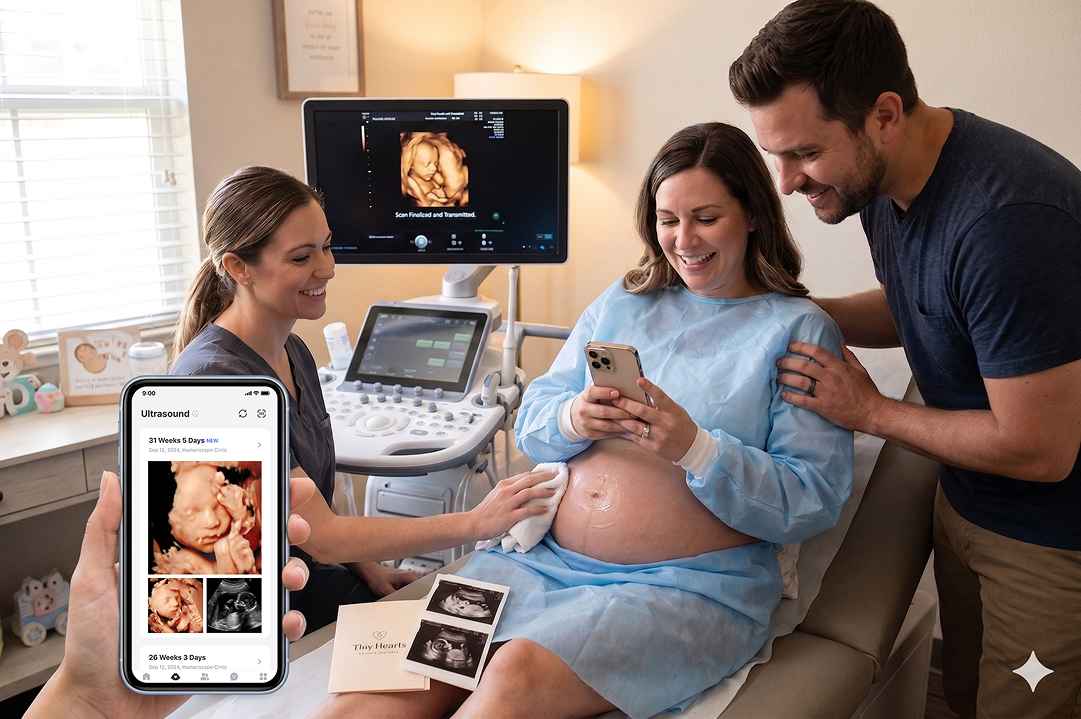
See Bomee Air in action
From your ultrasound machine to their phone.
Book a walkthrough
Pick a time. We’ll check your machine together.
A short remote session: we confirm your model, enabled options and internet connection, then add Bomee as a destination and test delivery with you. Prefer email? Send your machine’s brand and model to us_sales@lifex.io.
Same buttons.
Zero manual steps.
Bomee Air removes the post-session workflow without changing how your team scans. Nothing new to learn — the save and record buttons your sonographers already press do all the work.
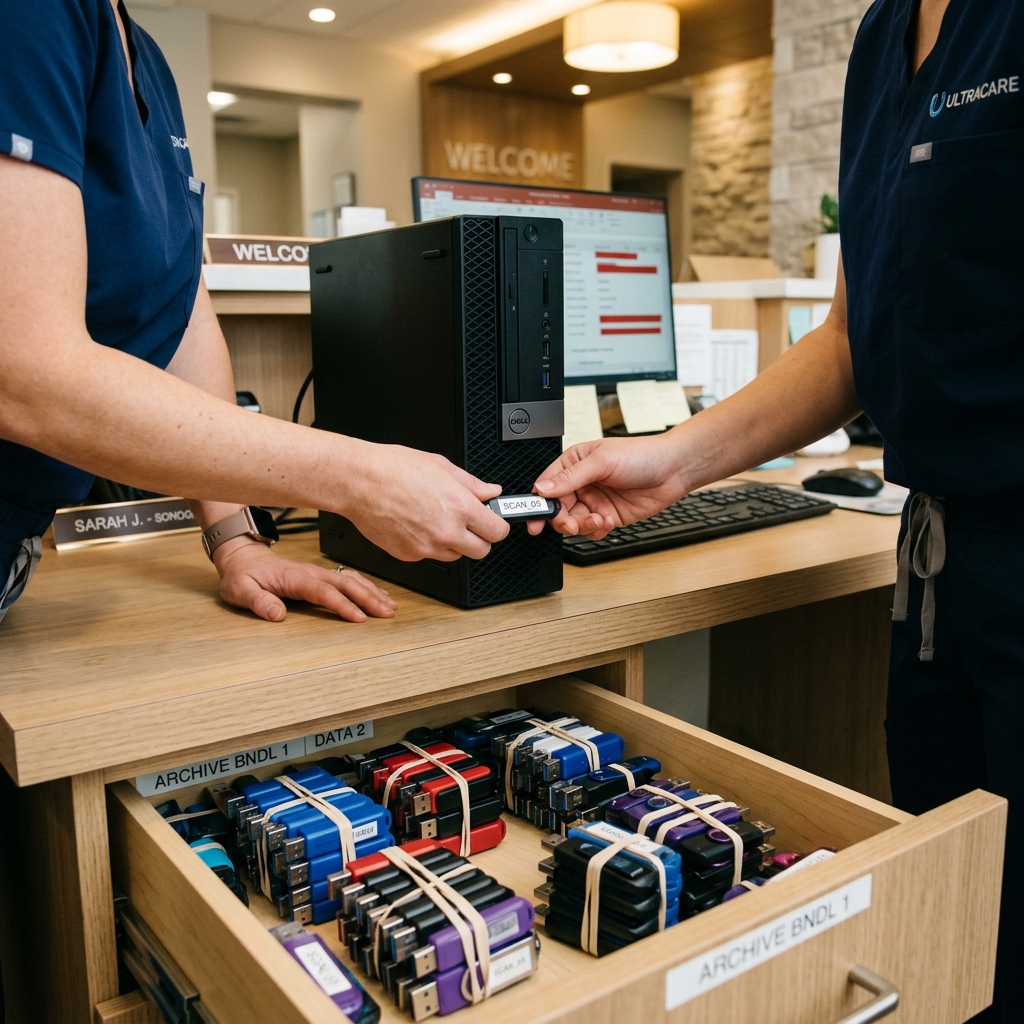
Today (USB / Email)

Competing tools
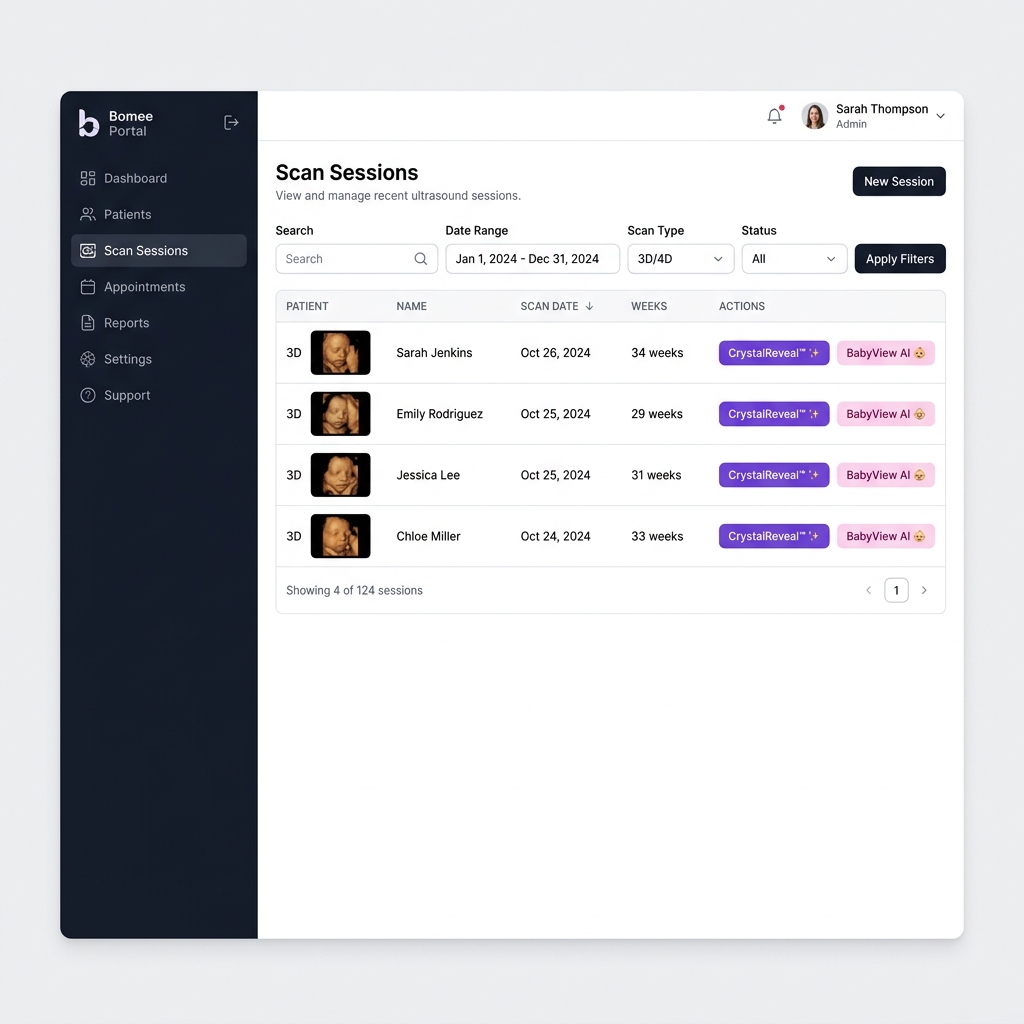
Bomee Air
Nothing to buy.
Nothing to install.
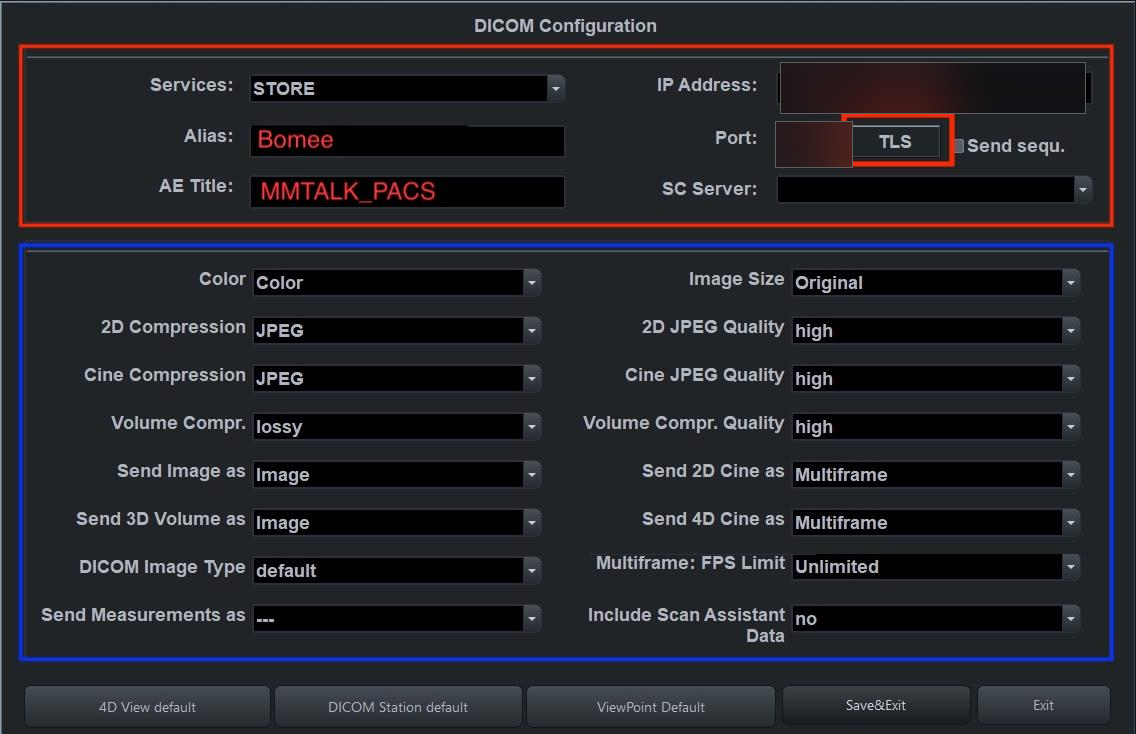
Air is 100% software. No mini-PC, no capture card, no scanner — it works through the network connection and DICOM output your ultrasound machine already has.

Today (USB / Email)
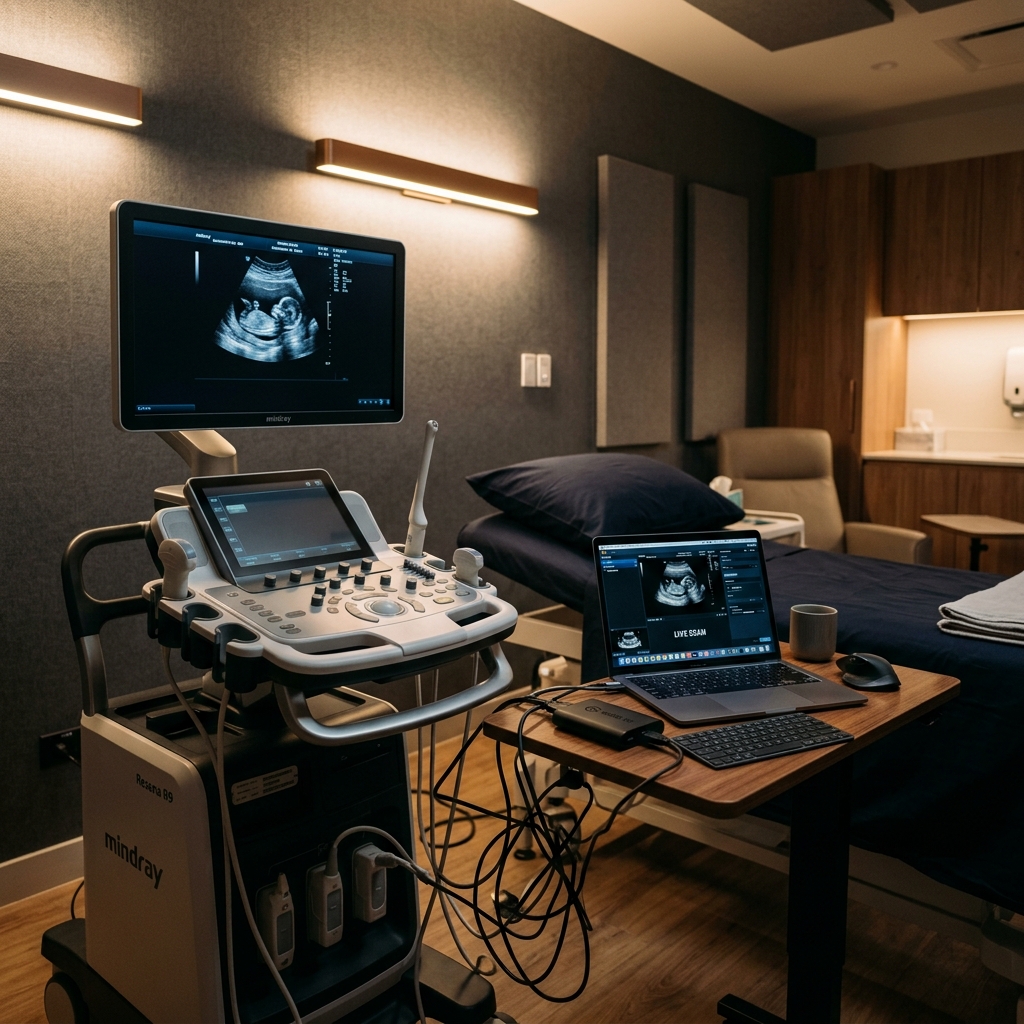
Competing tools
Bomee Air
Pricing
The lowest-priced unlimited plan in the industry.
US$79 a month, flat. Unlimited sessions, unlimited images and clips — no per-scan fees, no tiers to outgrow.
or US$790 billed annually — 12 months for the price of 10
Launch offer · through October 31, 2026
Start with a 3-day free trial on your own machine. If Air isn’t for you, cancel within the 3 days and pay nothing. Activate by October 31 to keep launch pricing.
Unlimited sessions
Every scan you run is covered by one flat monthly rate — send as much as you like.
Price-match pledge
No one runs unlimited for less. If you find someone who does, we’ll match it.
No long-term contract
Stay because it works, not because you’re locked in. Cancel anytime — with no hardware, there’s nothing to return.
Built on HIPAA-compliant infrastructure.
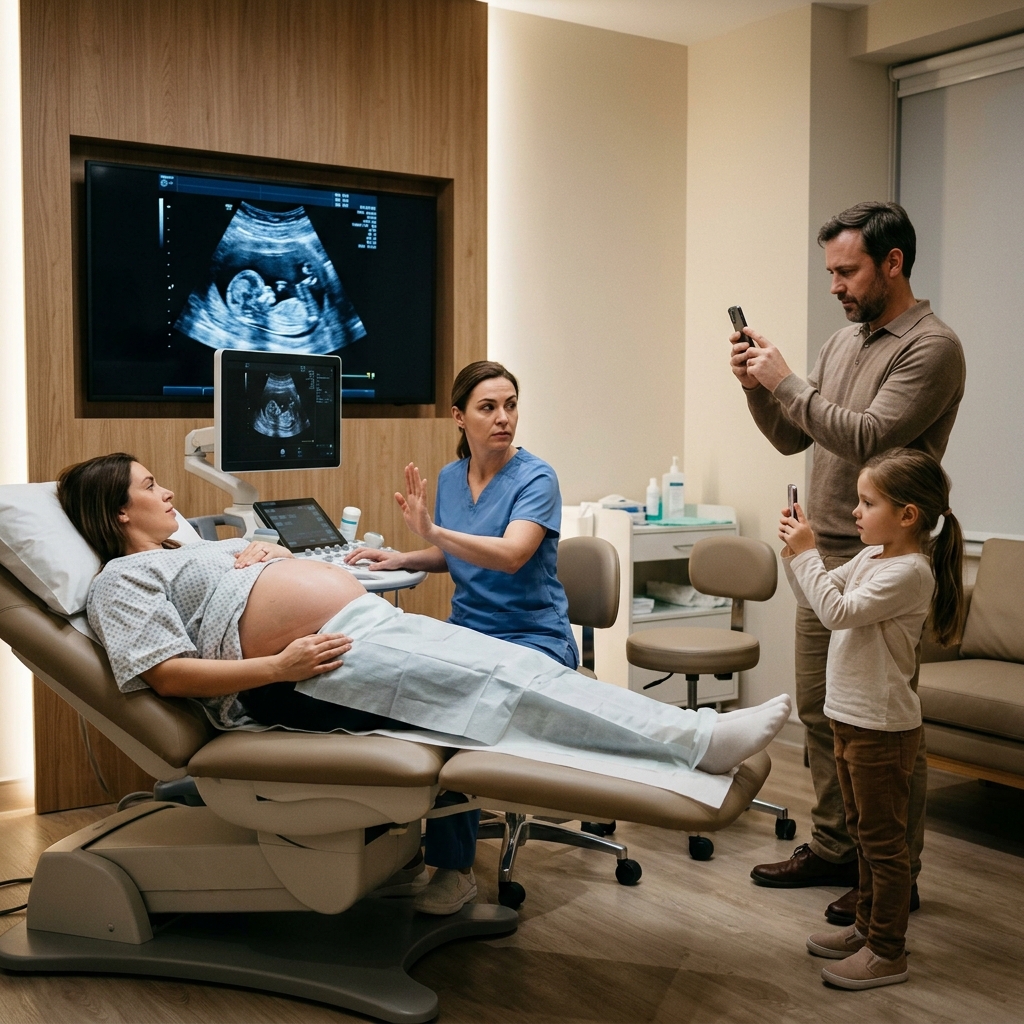
Stop the awkward “please put your phone away” conversations. Scans travel over encrypted, HIPAA-compliant AWS infrastructure instead of personal phones and USB drives.
Today (USB / Email)
- Patient privacy & medical-information leak risk on consumer media.
- Other competing tools run without that infrastructure, with a high risk of service instability — often operated by small-scale vendors lacking dedicated engineering teams or proper data management systems.

Bomee Air
Air or Core? Two ways to run Bomee.
Same Admin Portal, same delivery to mom’s Bomee App, same free premium year for every mom. The difference is how the scan gets captured.
| Bomee Air | Bomee Core | |
|---|---|---|
| Hardware | None — 100% software | Mini-PC + barcode scanner, shipped at no upfront hardware charge |
| Sonographer workflow | The same save and record buttons they already use | One barcode scan per session |
| Video length | Clips, as your machine records them — length follows your machine’s clip settings | Full-session recording — effectively unlimited length |
| Machine compatibility | Network-connected machines with DICOM export — we confirm from your make and model | Virtually any machine with HDMI out |
| Setup | Short remote session — nothing shipped | Pre-configured kit shipped, guided 30–45 minute install |
| Best for | The lightest possible start | Studios where long, full-session video is part of the product |
Hardware
Bomee Air: None — 100% software
Bomee Core: Mini-PC + barcode scanner, shipped at no upfront hardware charge
Sonographer workflow
Bomee Air: The same save and record buttons they already use
Bomee Core: One barcode scan per session
Video length
Bomee Air: Clips, as your machine records them — length follows your machine’s clip settings
Bomee Core: Full-session recording — effectively unlimited length
Machine compatibility
Bomee Air: Network-connected machines with DICOM export — we confirm from your make and model
Bomee Core: Virtually any machine with HDMI out
Setup
Bomee Air: Short remote session — nothing shipped
Bomee Core: Pre-configured kit shipped, guided 30–45 minute install
Best for
Bomee Air: The lightest possible start
Bomee Core: Studios where long, full-session video is part of the product
Not sure which fits? Send us your machine’s make and model — we’ll confirm what Air can do on it, usually the same day, and quote both.
Learn about Bomee CoreMoms return to keep all their scans in one app.
Don't just hand her photos. Gift every mom a free year of premium maternity-app access — and your studio becomes the one she returns to, to keep every scan, guide, and AI chat in one place.
Repeat-visit lift at Bomee studios
Self-reported partner-studio averages vs. industry baseline.
Revisit rate
3+ visits
Industry baseline reflects pre-Bomee retention benchmarks reported by partner studios.
How the products work together.
Bomee Air + Bomee App ship as one bundle. BabyView AI and CrystalReveal run on your captured sessions — CrystalReveal also works stand-alone on the web.
Bundled by default
Every scan auto-flows to mom’s phone and your Admin Portal.
As your sonographer saves, every image and clip from the session uploads to mom’s Bomee App and lands in your Admin Portal — where you can review the full session, per scan.
Add-on
Turn any 3D scan into a newborn portrait — delivered straight to mom’s app.
From the Admin Portal, pick a 3D image from a captured session and apply BabyView AI. The AI-generated newborn portrait is delivered alongside her scan inside the Bomee App.
BabyView AIWorks with Air or stand-alone
Sharpen any ultrasound — from a captured session or any uploaded image.
With Air: pick a scan in the Admin Portal and CrystalReveal enhances it, then sends the cleaned-up version straight to mom’s app. Without Air: upload any image at crystalreveal.bomee.io, then download it — or email it directly to mom.
CrystalRevealProven Results Across Studios, Clinics & Imaging Centers
Real stories from studio owners across the country — in their own words.
Prenatal Cinemas 4D
United States

Reveal Ultrasound
United States

Love at First Sight
United States

Hello Baby 3D/4D/5D Ultrasound
United States

Sneak a Pic LLC
United States
.png)
Momentos (Doral)
Doral, FL
Video Prenatal
United States

Sneak Peek LLC
United States
Williamson Ultrasound
United States
Prenatal Cinemas 4D
United States
Reveal Ultrasound
United States
Love at First Sight
United States
Hello Baby 3D/4D/5D Ultrasound
United States
Sneak a Pic LLC
United States
Momentos (Doral)
Doral, FL
Video Prenatal
United States
Sneak Peek LLC
United States
Williamson Ultrasound
United States
How Bomee Air Works
From the save button to mom’s phone — nothing manual in between.
Step 1
Save as you always do
Your sonographer captures stills and clips with the machine's own save buttons — and the machine keeps its own copy, exactly as before. No new steps, no extra device in the room.
Step 2
Air sends it automatically
The same press also sends: every saved image and clip travels from your machine over your network to Bomee's HIPAA-compliant AWS infrastructure and into your Admin Portal.
Step 3
Mom opens her Bomee App
The exam is matched by Patient ID and lands in her Bomee App — every visit in one album, with her free year of Bomee Premium included.
Set up without a site visit.
No box to wait for — Air goes from inquiry to live over a remote session.
Step 1
Compatibility check
Tell us your ultrasound machine’s make and model, whether it’s connected to the internet (Wi-Fi or wired), and whether DICOM Store is on. We confirm compatibility, usually the same day.
Step 2
Remote setup
In a short guided remote session we add Bomee as a send destination in your machine's own settings, map it to the save buttons your team already uses, and run a connection test on the spot. Nothing is shipped, and nothing new goes into the scan room.
Step 3
Go live
Your sonographer keeps scanning exactly as before — same buttons, and the machine still keeps its own local copy of every capture. From the first exam, sessions start landing in mom's Bomee App.
FAQ
Frequently Asked Questions
What studio owners ask before turning on Bomee Air.
Which ultrasound machines is Bomee Air compatible with?
Air works with machines that can connect to the internet (Wi-Fi or wired) and export images over the network. Compatibility varies by make, model, and how your scan room is networked — send us your machine's make and model and we'll confirm, usually the same day. We maintain step-by-step setup guides for popular lines such as the GE Voluson series, and if your machine can't support Air, Bomee Core works with virtually any machine over HDMI.
Is Bomee Air really 100% software?
Yes. There’s no mini-PC, no capture card, and no barcode scanner — nothing is shipped to you or installed in your scan room. Setup happens in a short remote session, and if you ever cancel there’s no hardware to return.
Does my sonographer have to learn anything new?
No. Your sonographer keeps using the machine’s own save and record buttons exactly as before. Whatever they save is what gets delivered — there are no extra steps during or after the session.
How long can the videos be?
Air delivers clips exactly as your machine records them, so the maximum clip length follows your machine’s own clip settings. If long, full-session recordings are central to your packages, Bomee Core records effectively unlimited length through HDMI capture — many studios choose between the two on this point alone.
How is patient data protected?
Scans move end-to-end encrypted over HIPAA-compliant AWS infrastructure — the same infrastructure that powers Bomee Core — and a BAA is available on request for studios that need one.
Do moms still get the Bomee App?
Yes — delivery works the same as with Bomee Core. Every session lands in the mom’s Bomee App, and every mom gets a free year of Bomee Premium from your studio.
Is there a contract?
No long-term lock-in. Air is a flat monthly subscription with unlimited sessions — the lowest-priced unlimited plan in the industry, and if you find a lower one we’ll match it. Cancel anytime; there’s no hardware to return.
Do scans still save on the ultrasound machine?
Yes. Air taps the machine's own save buttons, so every image and clip is stored on your machine exactly as it is today — a copy is simply sent to Bomee at the same time. Nothing about your local archive or your existing button setup has to change.
How does a session reach the right mom?
Each exam is matched by Patient ID. The ID your sonographer enters on the machine is matched to the same ID registered for the mom in Bomee, so every capture from that exam lands in her album automatically.
Contact us to transform your studio's ultrasound experience.
Higher efficiency. Sharper images. Stronger revenue.