
Bomee Core
Automate image transfers,
and gift every mom a premium app, free.
A mini-PC connects to your existing machine via HDMI. Every image and video uploads automatically to mom's phone in seconds.
- Works with ANY ultrasound machine
- HIPAA-compliant transmission
- FREE access to our paid Bomee Premium App for every mom
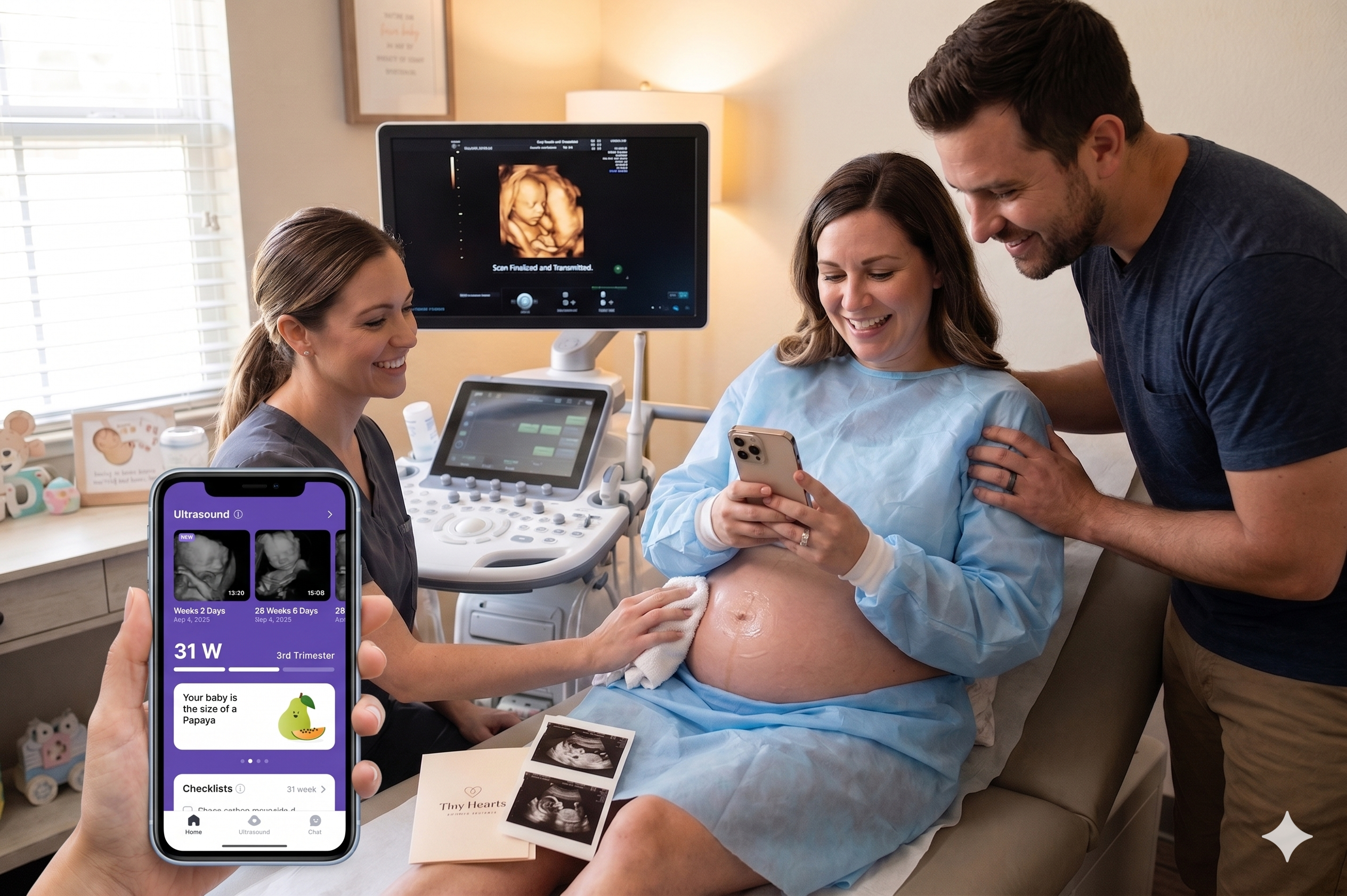
Same scan.
Zero manual steps.
Bomee Core eliminates the post-session workflow that drains your sonographers' time. Sonographers focus on scanning, not on USB backup, folder organization, or file transfers.
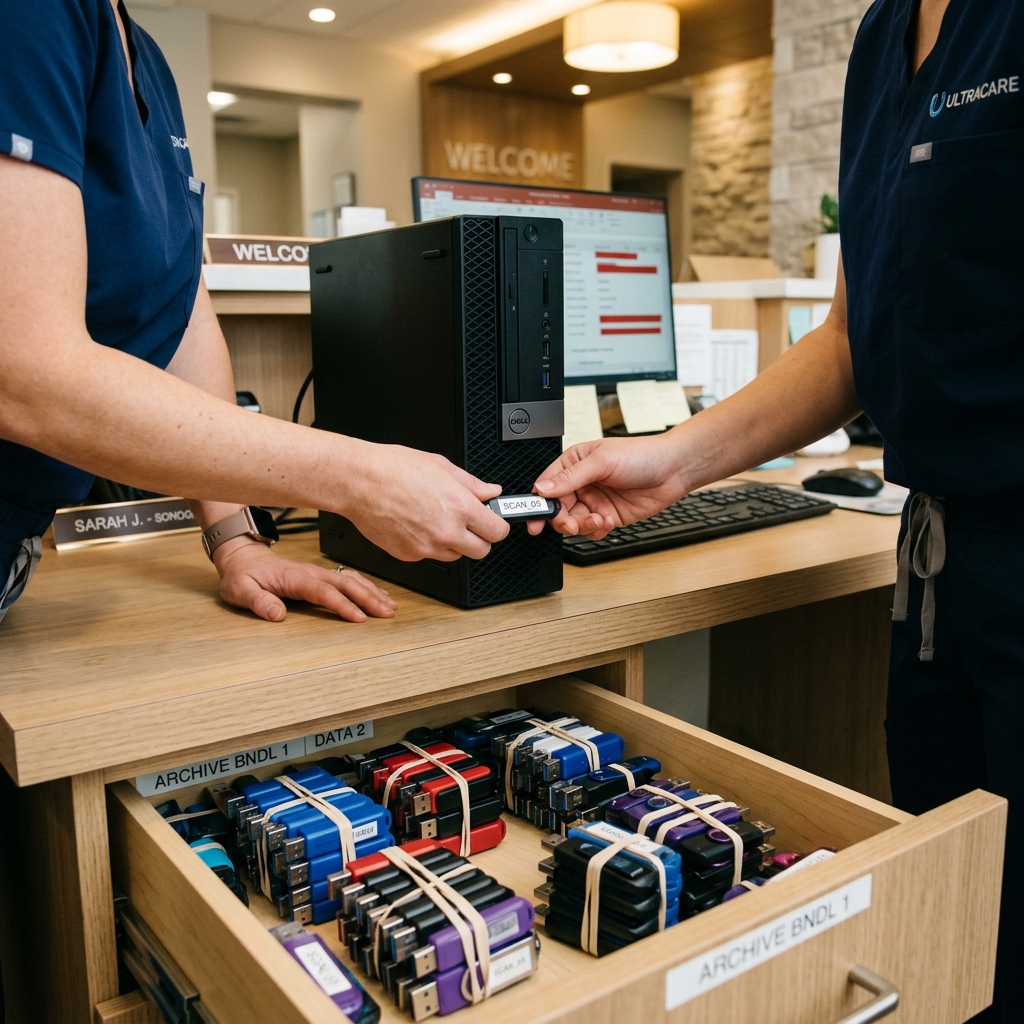
Today (USB / Email)

Competing tools

Bomee Core
Zero upfront install cost.
No extra equipment you need to prep.
Get started lightly — no upfront cost, no new hardware to buy, no second PC running in the scan room.

Today (USB / Email)
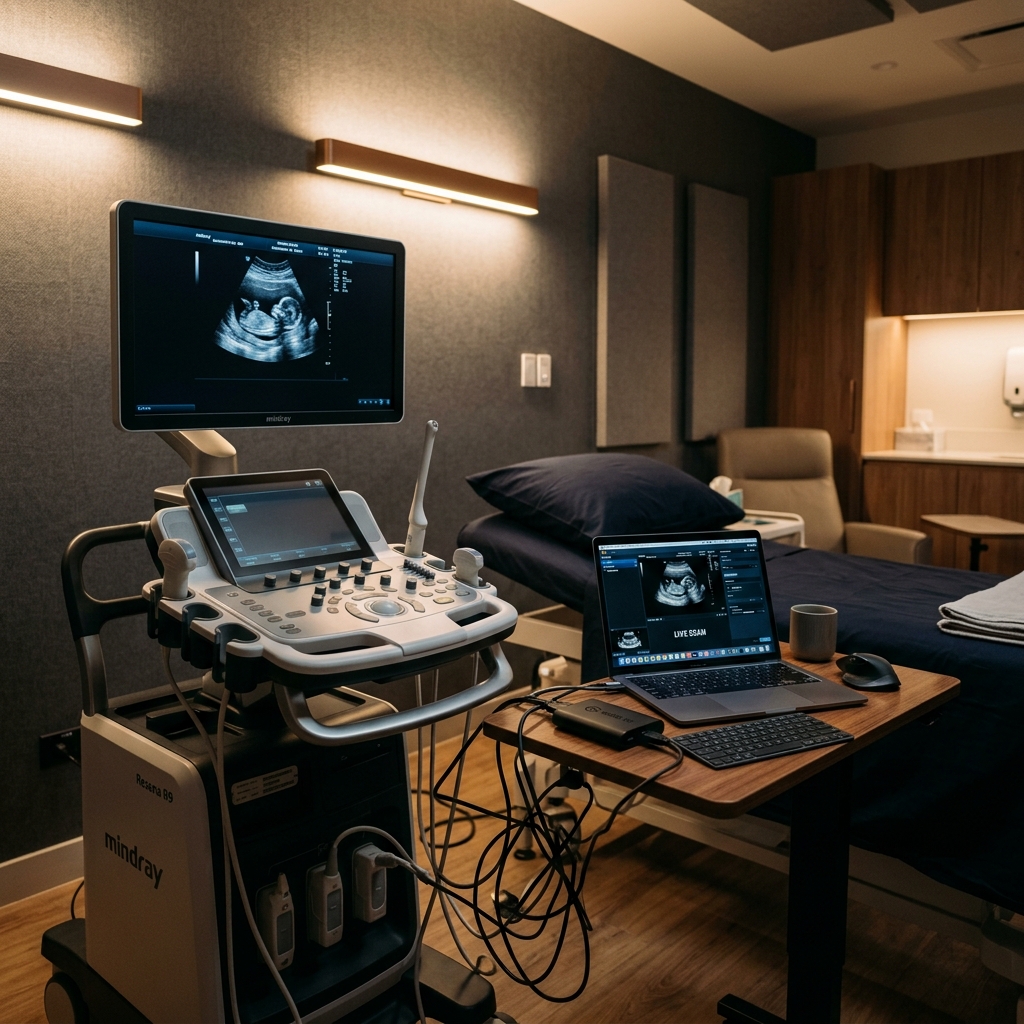
Competing tools
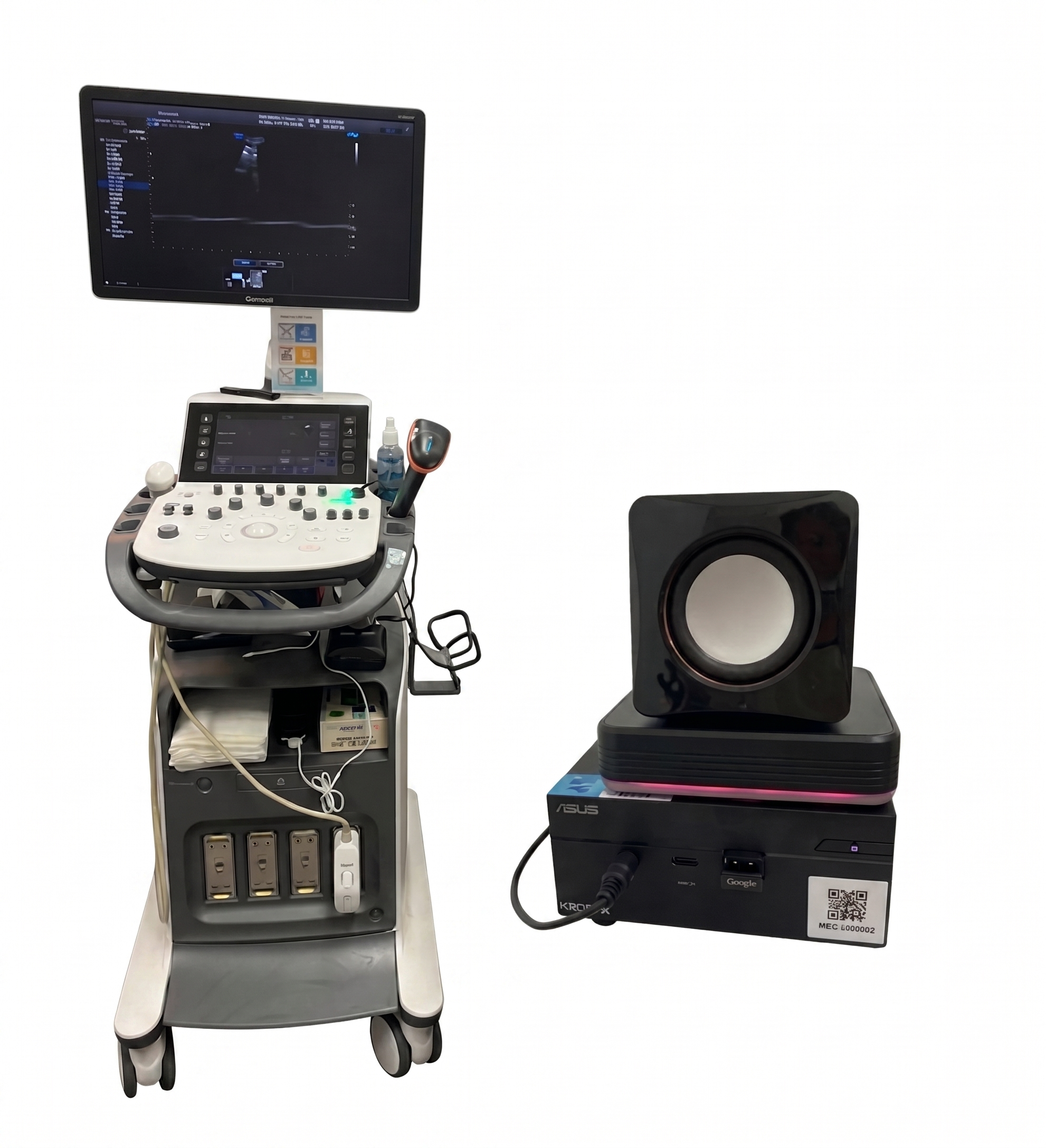
Bomee Core
HIPAA-compliant transmission.
Stop the awkward "please put your phone away" conversations. Your studio stays 100% HIPAA-compliant with AWS-backed security.
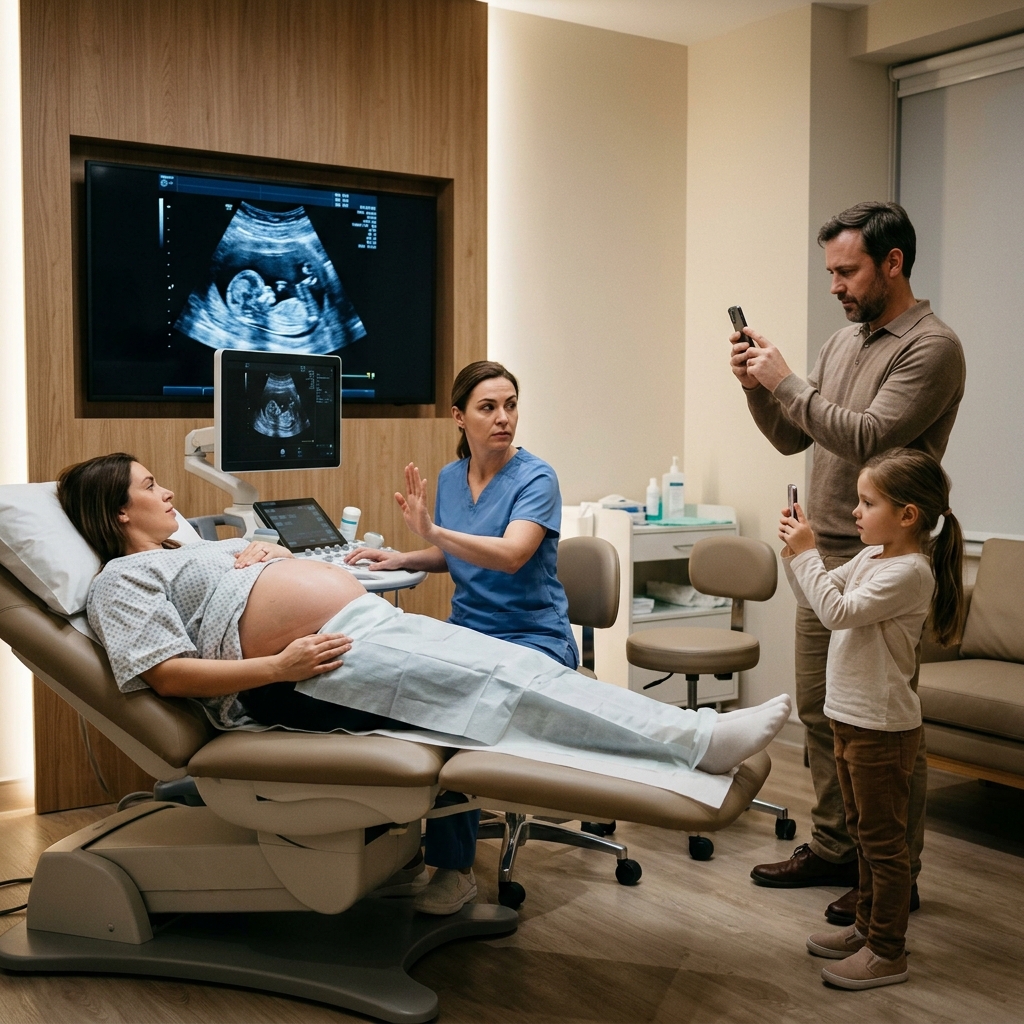
Today (USB / Email)
- Patient privacy & medical-information leak risk on consumer media.
- Other competing tools offer no HIPAA compliance, with a high risk of service instability — often operated by small-scale vendors lacking dedicated engineering teams or proper data management systems.

Bomee Core
Moms return to keep all their scans in one app.
Don't just hand her photos. Gift every mom a free year of premium maternity-app access — and your studio becomes the one she returns to, to keep every scan, guide, and AI chat in one place.
Repeat-visit lift at Bomee studios
Self-reported partner-studio averages vs. industry baseline.
Revisit rate
3+ visits
Industry baseline reflects pre-Bomee retention benchmarks reported by partner studios.
How the products work together.
Bomee Core + Bomee App ship as one bundle. BabyView AI runs on top of Core. CrystalReveal works with Core — or stand-alone on the web.
Bundled by default
Every scan auto-flows to mom's phone and your Admin Portal.
After a barcode scan, every image and video from the session uploads to mom's Bomee App and lands in your Admin Portal — where you can review the full session, per scan.
Add-on · Requires Core
Turn any 3D scan into a newborn portrait — delivered straight to mom's app.
From the Admin Portal, pick a 3D image from a captured session and apply BabyView AI. The AI-generated newborn portrait is delivered alongside her scan inside the Bomee App.
BabyView AIWorks with Core or stand-alone
Sharpen any ultrasound — from a captured session or any uploaded image.
With Core: pick a scan in the Admin Portal and CrystalReveal enhances it, then sends the cleaned-up version straight to mom's app. Without Core: upload any image at crystalreveal.bomee.io, then download it — or email it directly to mom.
CrystalRevealProven Results Across Studios, Clinics & Imaging Centers
Real stories from studio owners across the country — in their own words.
Prenatal Cinemas 4D
United States
Reveal Ultrasound
United States

Love at First Sight
United States

Hello Baby 3D/4D/5D Ultrasound
United States

Sneak a Pic LLC
United States
.png)
Momentos (Doral)
Doral, FL
Video Prenatal
United States

Sneak Peek LLC
United States
Williamson Ultrasound
United States
Prenatal Cinemas 4D
United States
Reveal Ultrasound
United States
Love at First Sight
United States
Hello Baby 3D/4D/5D Ultrasound
United States
Sneak a Pic LLC
United States
Momentos (Doral)
Doral, FL
Video Prenatal
United States
Sneak Peek LLC
United States
Williamson Ultrasound
United States
How Bomee Core Works
From scanning the barcode to delivering memories straight to moms, everything is seamlessly automated.

Scan & Auto-Record
Scan the barcode to automatically start recording the entire ultrasound screen in real-time. Capture image snapshots during the session, and everything is automatically uploaded to the barcode once scanning ends.
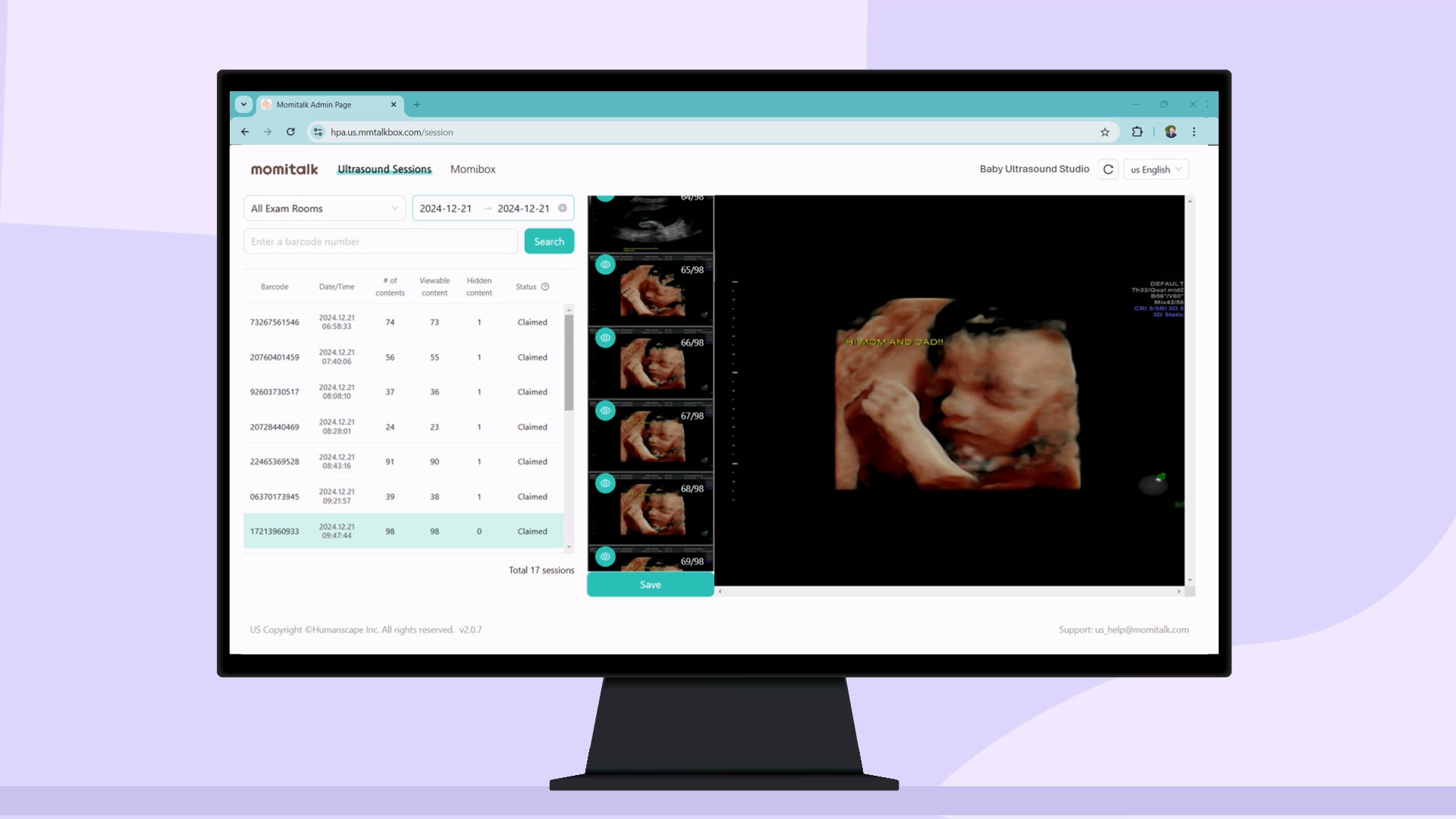
Manage via Admin Portal
Studios can check uploaded images and videos per scan. Hide specific media if needed, and automatically configure crop settings to completely obscure patient private information.
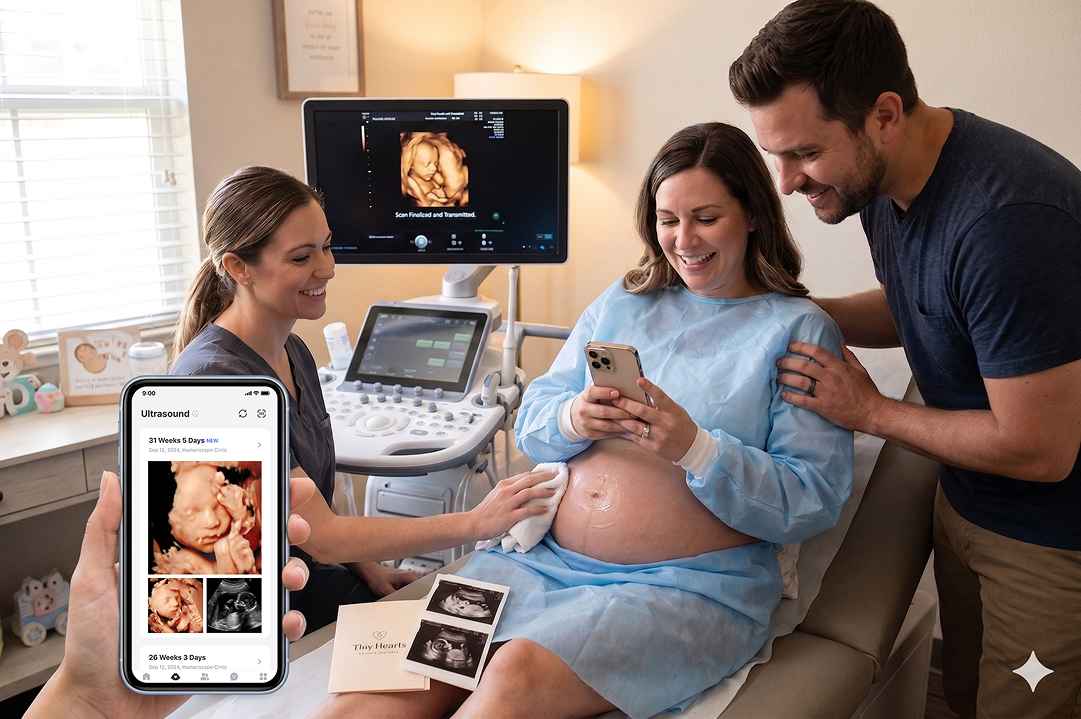
Instantly Delivered to Mom's Bomee App
Give the barcode to the mom. After downloading the Bomee App and signing in, she scans the barcode to instantly import all videos and images into her personal album.
One barcode scan. Instant phone access, forever.
Moms scan the barcode once and every image and video lands on her phone — viewable instantly and archived in her Bomee Album for life.
Download & Sign Up
Download the Bomee app and create an account — free on iOS and Android.
Scan the Barcode
Scan the dedicated barcode distributed by your Bomee partner studio.
View & Share
The ultrasound session is recorded and ready to view in the app instantly.
Free install. Compatible with any ultrasound machine.
From inspection to go-live — every step covered by our team, at no upfront cost.
Step 1
Inspection
We review your ultrasound model, office setup, and internet connection. Our solution is compatible with virtually any machine, and this quick check ensures we prepare the exact setup you need.
Step 2
Hardware Shipped
Based on the inspection results, we build a customized Bomee Core kit and ship it to your studio. This complete package includes all the necessary equipment tailored specifically for your workflow.
Step 3
Installation
Simply plug the provided device into your machine. Our team will guide you remotely through a quick, 30-minute installation to get everything up and running smoothly.
Product Demo
See It in Action
FAQ
Frequently Asked Questions
Everything studio owners ask before they sign their first Core install.
How long does the Bomee Core install actually take?
30–45 minutes for most studios. A Bomee technician ships the mini-PC pre-configured; on-site you connect HDMI from your ultrasound machine, plug in the barcode scanner, and the system pairs with your studio account. No new cabling, no firmware updates to the ultrasound, no downtime.
Which ultrasound machines is Bomee Core compatible with?
Any machine with an HDMI output, including GE Voluson, Samsung Medison HERA, Mindray Resona/DC-series, Philips Affiniti/EPIQ, Canon Aplio, and Siemens ACUSON. Core captures the HDMI signal directly, so you don't need vendor-specific drivers, and switching machines later doesn't require a re-install.
Is Bomee Core HIPAA compliant?
Yes. Every scan moves end-to-end encrypted over HIPAA-compliant AWS infrastructure, with a signed BAA for studios that need one. Media is tied to a barcode scanned at the start of the session — never to a patient name on the machine — so PHI exposure stays scoped to the studio account.
Do we still need USB drives or email for delivery?
No. Once the barcode is scanned, every still and video uploads automatically while the scan is still happening, and the mom sees it in her Bomee App before she leaves the room. Studios that switch from USB/email to Core typically retire the drives within the first week.
What's the hardware cost and what's the monthly fee?
We send the mini-PC, barcode scanner, and cabling at no upfront hardware charge for partner studios — you pay a flat monthly subscription per location that includes hardware, software updates, AWS delivery, and unlimited scans. Exact pricing depends on volume; book a call from the Contact page for a quote.
How is staff trained on Bomee Core?
There's almost nothing to train. The sonographer's workflow is identical to today — scan the barcode at session start, then run the appointment as normal. Front-desk staff handle download instructions for the mom in under 30 seconds. Most studios are fully self-sufficient on day one.
Does Bomee Core lock us into a long contract?
No long-term lock-in. Subscriptions are month-to-month after an initial setup period, and if you ever cancel we'll ship a return label for the hardware. We'd rather earn the renewal every month than trap you in a 36-month lease.
Contact us to transform your studio's ultrasound experience.
Higher efficiency. Sharper images. Stronger revenue.